 Spintuition
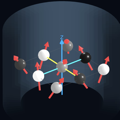 Direct Control Mode
Direct control of the spins is useful for quick demonstrations and teaching — no pulse sequence required.
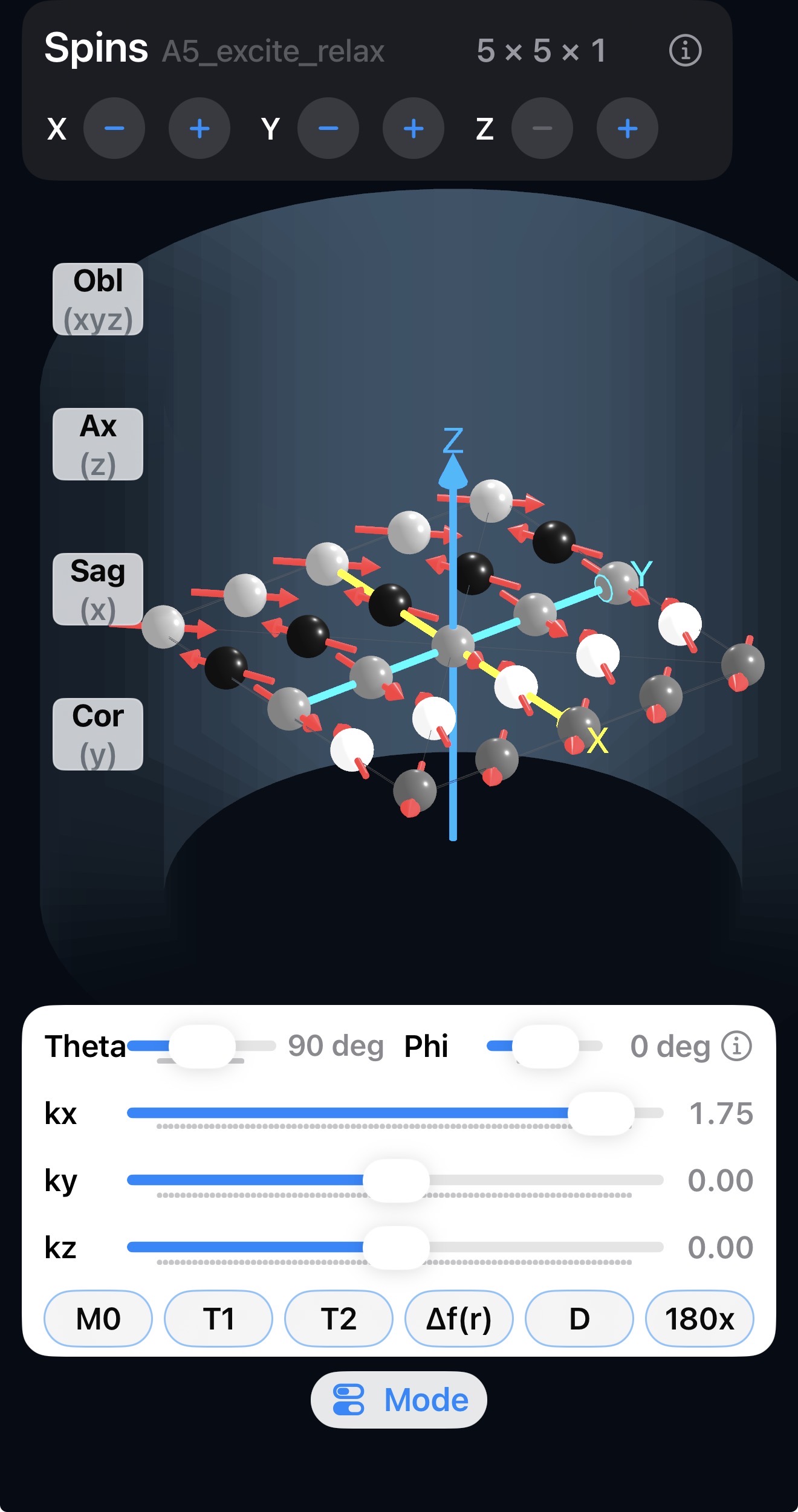
Open it with Direct Control View on the welcome screen, or switch the spin control mode with the Mode button below the playback controls in the expanded Spins view (also available in Settings → Spin Control Mode). Direct Spin Controls act on every spin in the vector array at once.
Sliders
| Control | Effect |
|---|---|
| Theta | Elevation angle of all vectors (degrees). |
| Phi | Azimuth angle of all vectors (degrees). |
| kx, ky, kz | Spatially dependent phase, in cycles per FOV — wind the spins into a k-space pattern along each axis. |
Changing theta is not the same as an RF rotation when the transverse spin phases differ.
Buttons
| Button | Effect |
|---|---|
| M0 | Resets all spins to the z axis. |
| T1 | Applies T1 relaxation for a time of T1/10. |
| T2 | Applies T2 relaxation for a time of T2/10. |
| Δf(r) | Simulates spatially varying “static” off-resonance. Each press adds repeatable dephasing. |
| D | Simulates random diffusive motion. Like Δf(r), but different with each press and not refocusable. |
| 180x | Applies a 180° pulse about x. It negates all k-space, supplements theta and flips phi, as well as any phase accrued from Δf(r) or D. |
Try it: a spin echo
- Press M0, then set theta to 90° to tip the spins into the transverse plane.
- Press Δf(r) a few times — the spins dephase.
- Press 180x.
- Press Δf(r) the same number of times — the spins refocus into a spin echo.
Repeat with D presses mixed in to see how diffusion causes signal loss that the 180° pulse cannot recover.